


01
General CX overview
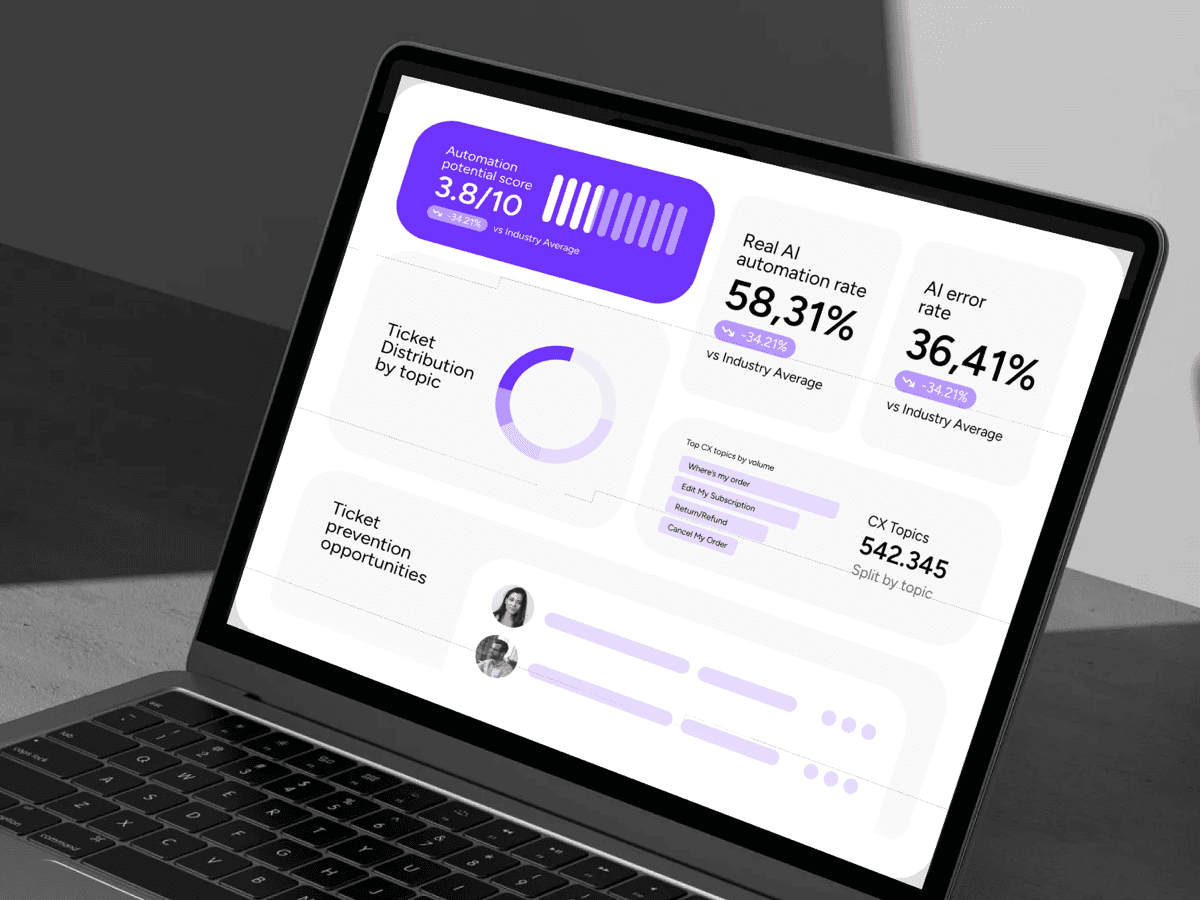
High-level metrics across your entire support operation. Volume trends, response times, resolution rates, channel mix, and how your numbers stack up against e-commerce benchmarks.
Yuma's AI analyzes your real ticket data and delivers a full CX report - SOP gaps, retention leaks, and specific fixes. No cost, no commitment. Takes 5 minutes to set up.
Get my free CX auditInside the report
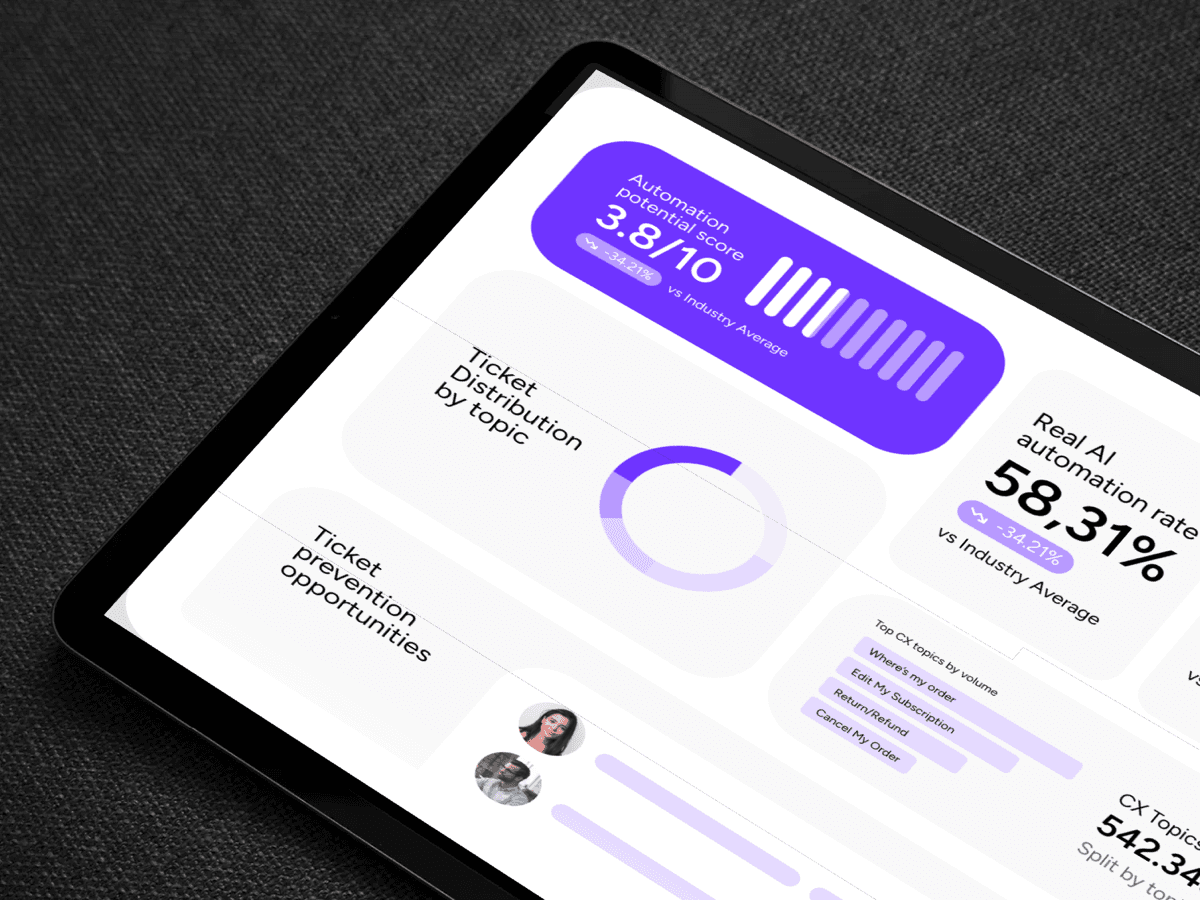
Each section is grounded in your real ticket history. Concrete fixes, prioritized by effort and impact.
High-level metrics across your entire support operation. Volume trends, response times, resolution rates, channel mix, and how your numbers stack up against e-commerce benchmarks.
For subscription brands, this is where money hides. We reverse-engineer your cancellation and retention flows, flag where customers slip through, and show which touchpoints underperform.
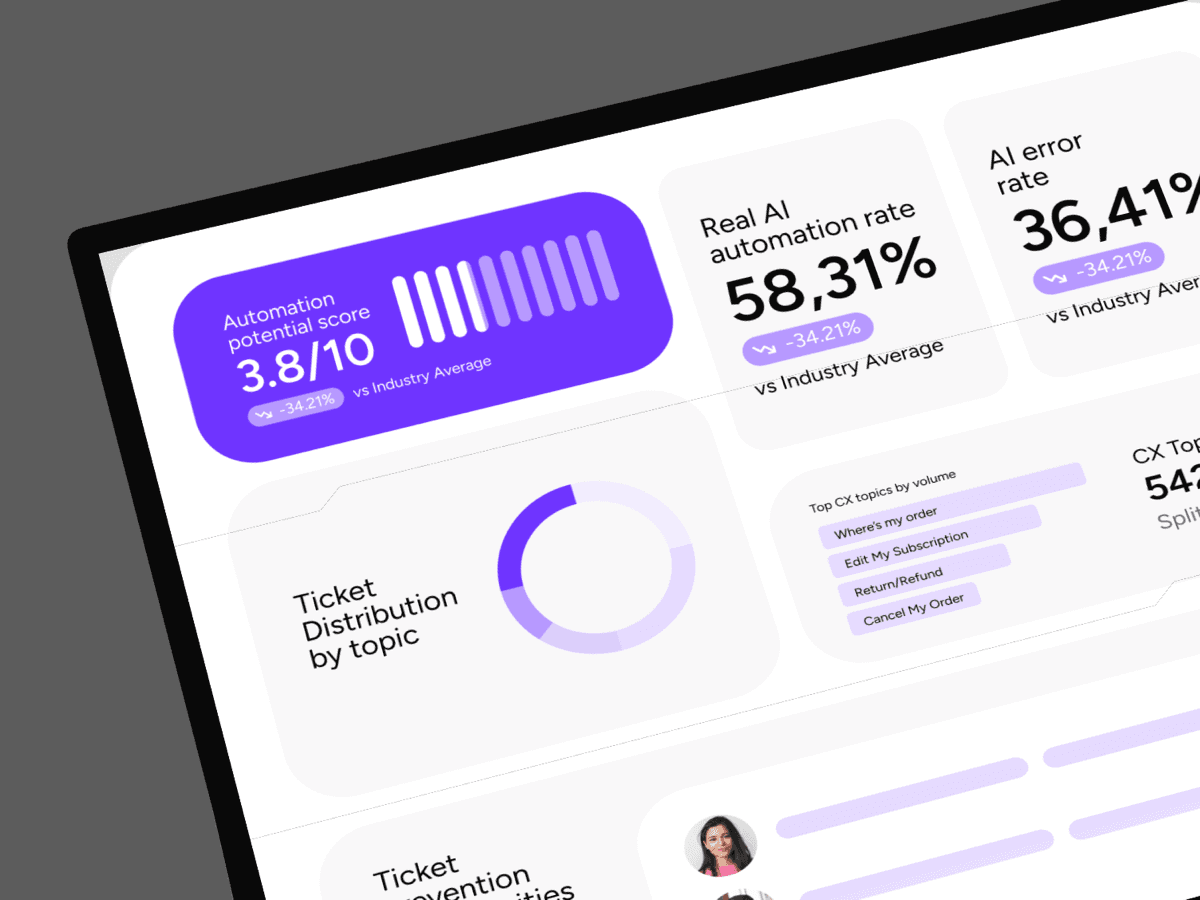
Already using AI for CX? We benchmark it. Not using AI yet? We show which ticket types are prime candidates for automation and estimate the impact on your queue.
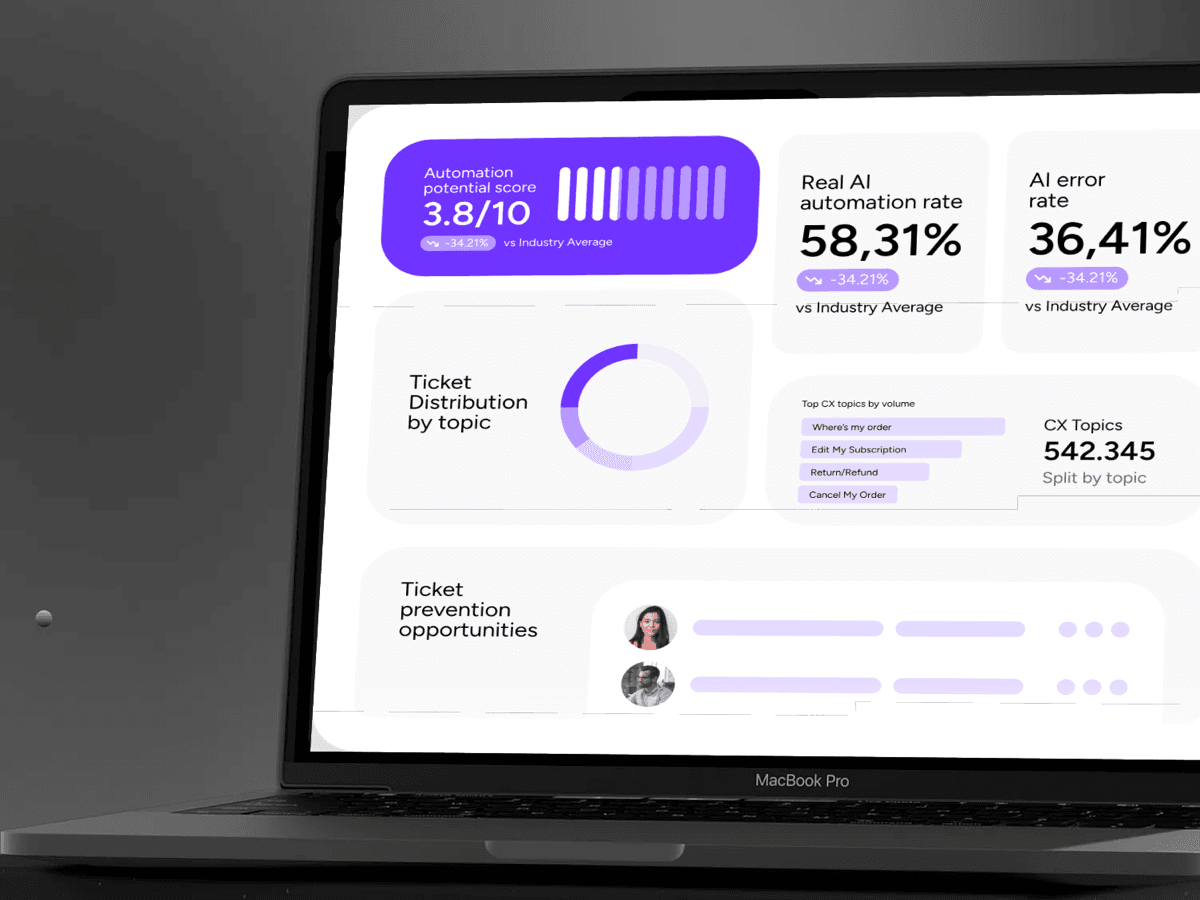
Not generic best practices. Concrete fixes ranked by effort vs. impact, based on your actual data and operational reality.
How it works
No long onboarding, no manual configuration. Connect your helpdesk, let our AI run the analysis, and get the audit report delivered along with a walkthrough by one of our CX experts.
Link your Gorgias or Zendesk account with read-only access. We never modify, respond to, or delete anything in your helpdesk.
More helpdesks coming soon: Freshdesk, Shopify Inbox, etc.
Our AI analyzes your historical ticket data across every workflow, agent, and channel. No manual setup or configuration on your end.
Our CX experts prepare your audit and reach out to walk through the findings with you. The report is yours to keep, no strings attached.
Request your audit
Just fill up the short form below. Once you submit, you'll be guided to connect your helpdesk account (read-only access) so our AI can begin the analysis.
Loading
If the form takes too long to load, a direct fallback option will appear automatically.
Who this is for
This audit is built for e-commerce brands handling hundreds or thousands of tickets a month, with a dedicated CX team or at least a few agents managing support. If you're running subscription commerce, even better: our retention analysis tends to surface the biggest wins there. The audit currently works with Gorgias and Zendesk helpdesks, with more helpdesks coming soon.


Free 30-days pilot. Zero engineering. Automate up to 89% of your support tickets.

Trusted by leading commerce brands
Yuma already powers CX at scale
We process millions of tickets across hundreds of e-commerce brands. The same engine that runs their support is the one running your audit.
100M+
Tickets analyzed across Yuma customers
89%
Full automation rate reached by top brands with Yuma
1:1
Personalized audit walkthrough with a CX expert
Aggregate numbers across the Yuma platform. Your audit will use your data only.